 Module
Scheduling.
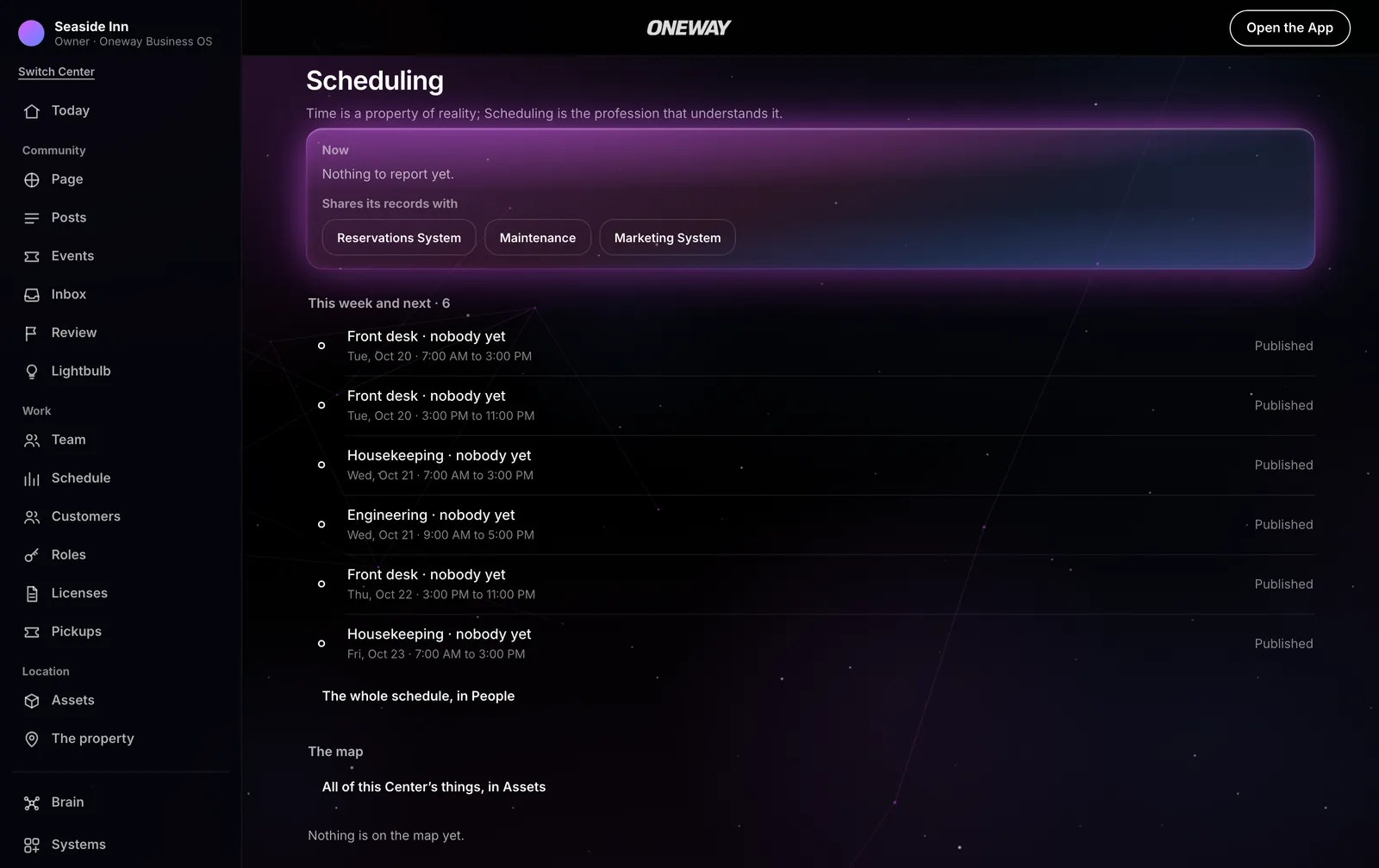
Oneway Scheduling builds your team's week of shifts, lets people claim, swap and take time off, and keeps the clock and the cost of every hour.
Part of Business OS, by contact, in the Closed Selective Server Beta. What is still being built is marked Planned.
The week
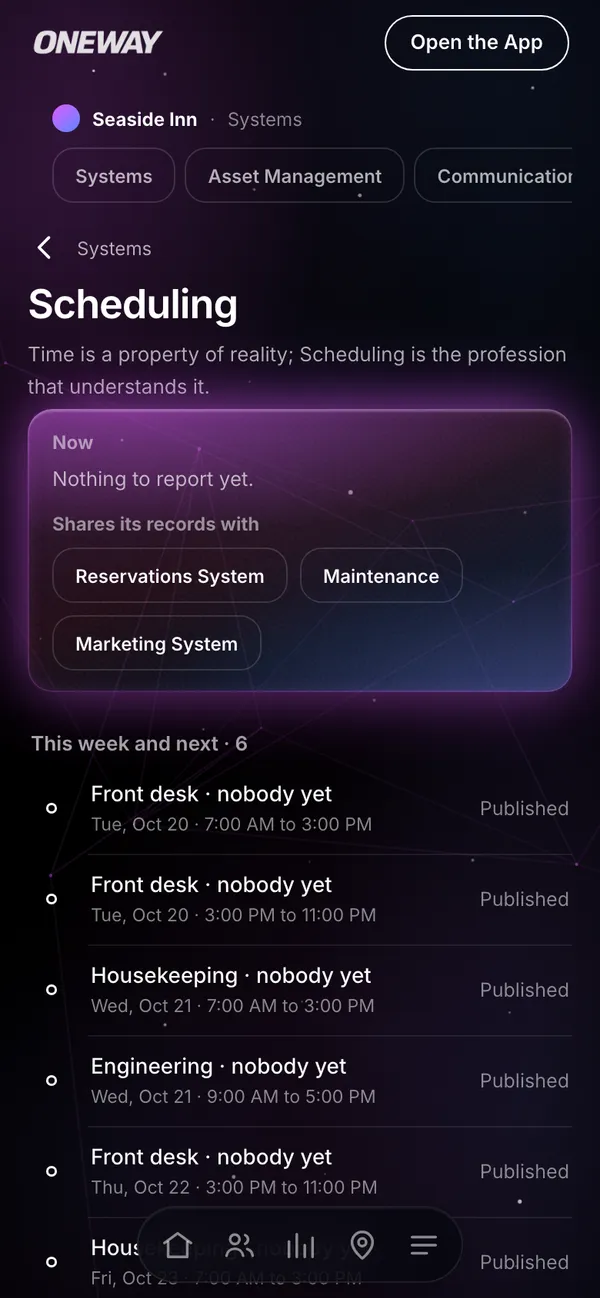
A week of shifts, published once.
Shifts by role
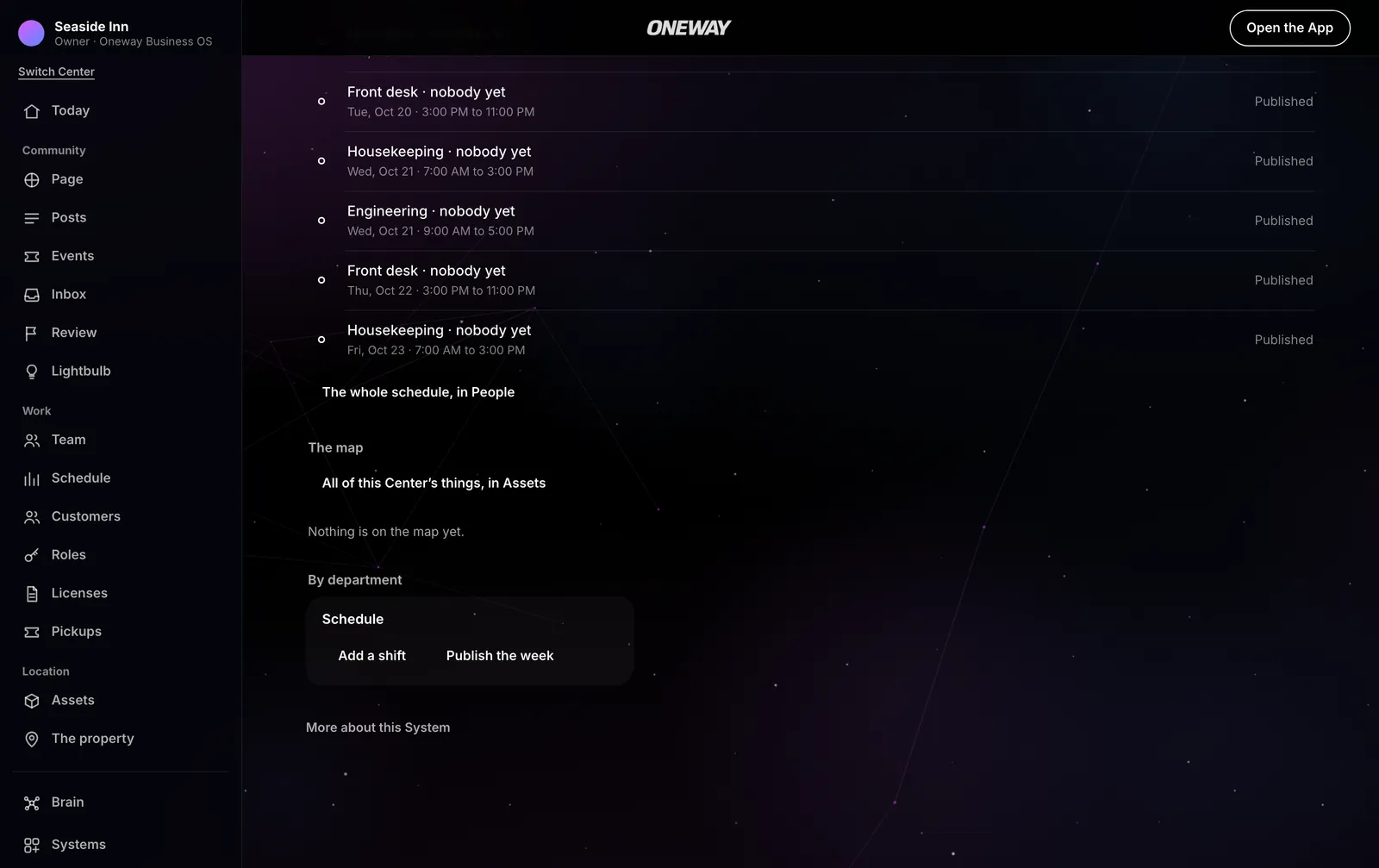
Each shift with its hours and role, edited until the week is published.
Open shifts
A shift nobody has yet, claimed by someone who can take it.
Publish the week
The team reads its week once it is published, each person their own.
Availability
Each person says when they can work.
Copy last week
A week's shifts copied into the next as drafts, never twice.
Shift reminders
A reminder before each published shift.
Planned
The team
Swaps and time off, decided by a manager.
Offer and swap
A shift offered to the team, taken or swapped, the change decided once.
Time off
Asked for, decided, and kept out of the schedule.
Notes on the week
A note to the team, and who has seen it.
Who is on
Everyone on a shift, from the shift itself.
Time and cost
Every hour clocked, and what it cost.
The time clock
Clocked in and out; a punch corrected or voided, with who did it.
Timesheets approved
The week's hours approved by a manager.
Pay rates
An hourly rate per person from the day it starts, kept by an owner.
Labour against sales
The day's and the week's labour cost, and its share of sales.
Staffing from the book
How many people a day's bookings and events need, beside who is scheduled.
Timesheets out for payroll
Hours, rate and cost per person, as a sheet for the payroll provider.
PlannedClock-in at the place
A clock-in only where the work is.
Planned
The difference
The schedule knows the work.
A scheduling app knows shifts. Here the week sits beside the bookings, events and sales it serves.
From the book
The staffing need is read from the day's bookings and events.
Against the sales
Labour is weighed against the sales the Center's points of sale report.
One team
The same people the Center's roles and permits name, never a second list.
How it works
A week, every week.
Build the week
Shifts by role, with the open ones left open.
Publish it
Everyone reads their own week.
The team settles it
Claims, swaps and time off, decided by a manager.
Clock and cost
Hours clocked, approved, and weighed against sales.
Who it is for
Any team that works in shifts.
Hotels
The desk, housekeeping and engineering around the clock.
Restaurants and bars
The floor and the kitchen, against the night's sales.
Venues
The crew each event needs.
Shops and services
Opening hours covered, every day.
At a glance
Oneway Scheduling, in facts.
- What it is
- Oneway Scheduling builds your team's week of shifts, lets people claim, swap and take time off, and keeps the clock and the cost of every hour.
- Part of
- Oneway OS, as a module of Business OS.
- Where it runs
- In Oneway OS, in a web browser on a computer or a phone.
- Price
- Part of Business OS: $330 a month for one Center, set up by contact. Oneway OS alone is free.
- Status
- In the Closed Selective Server Beta, by invitation, in New York City and Long Island.
- Made by
- Oneway Technologies LLC, New York.